Zebra Kiosk Computer
Barcotech - Zebra Technologies Logo
KC50

Android Kiosk Computer

OPERATING SYSTEM:
Upgradeable to Android 16

DIMENSIONS:
15 in: 15.17 in L x 9.43 in W x 1.51 in H
15 in: (385.2mm L x 239.4mm W x 38.3mm H)
22 in: 20.35 in L x 12.56 in W x 1.70 in H
22 in: (516.8mm L x 319.0mm W x 43.3mm H)

DISPLAY:
22 in: 21.5 in. Full High Definition; 1080 x 1920; LED backlight; 300 NITS; optically bonded to touch panel 15 in: 15.6 in. Full High Definition; 1080 x 1920; LED backlight; 300 NITS; optically bonded to touch panel

EXPANSION: MicroSD card supports up to 2 TB

COMMUNICATION:
USB-C with DP ALT Mode for secondary display – WLAN/ETHERNET

CPU: Qualcomm® 5430 Octa Core chipset 2.1 GHz

MEMORY: Up to 8 GB RAM/128 GB UFS Flash

SCANNING: Optional SE4720 1D/2D decoded imager Z-Flex Accessory
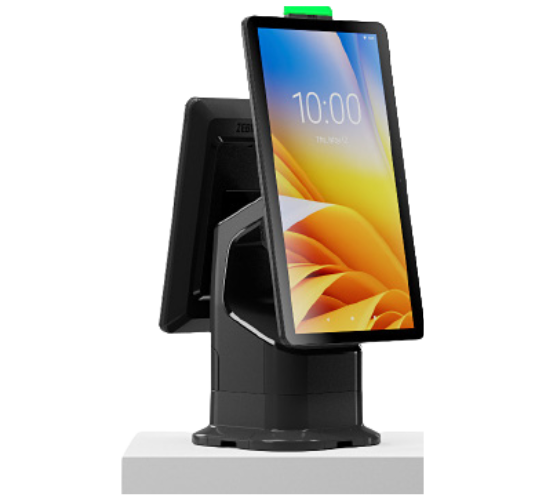
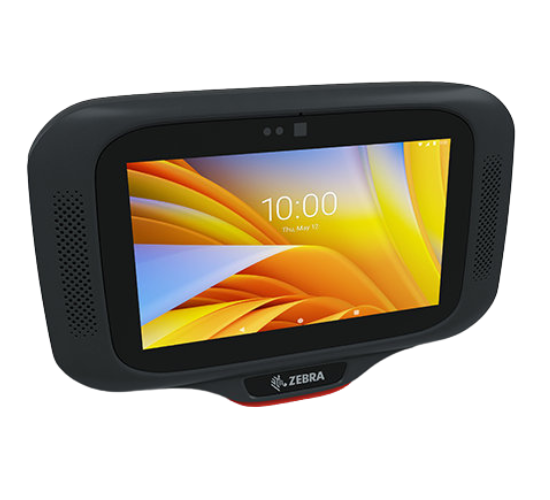
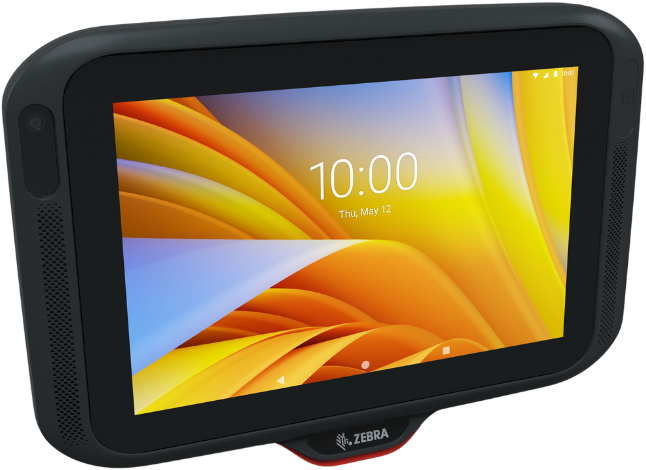
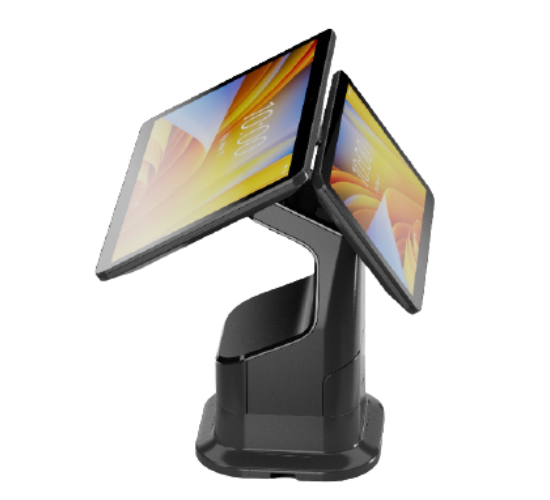
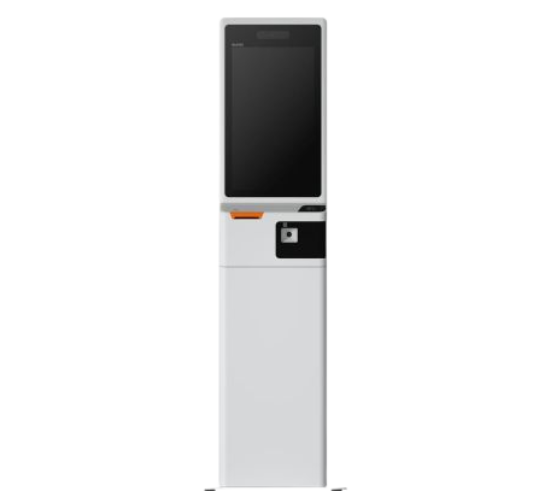
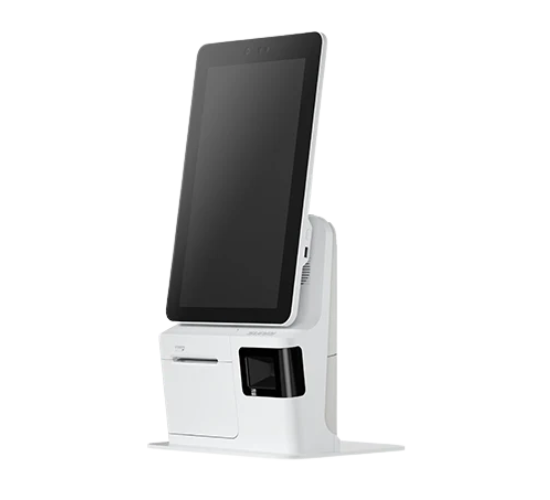
The KC50 Android Kiosk Computer is the heart of the versatile Zebra Kiosk System — a comprehensive, flexible and modular solution created to meet a wide variety of self-service, assisted checkout and display needs across industries, from retail and hospitality to healthcare, manufacturing, travel, government and more. Customers are instantly comfortable and ready to interact with the modern and elegant design. The KC50 is designed for consumers on the outside and built for business on the inside, based on the same proven Zebra enterprise Android platform at work in millions of Zebra’s tablet, handheld and wearable mobile computers all around the world. The KC50 can be placed in portrait or landscape mode and mounted on a wall, floor, counter or desk. This modular solution allows you to add whatever your kiosk requires — a barcode scanner, printer, light bar, payment terminal, TD50 companion touch display and more. And support for a conversational digital assistant gives you more ways to interact with your customers.

RELATED PRODUCTS

FAQ: What is the Operating System of Mobile Computer?

Answer: Starting 2023 All Android version release from Android 11 upgradable into 14, Latest release of Operating System up to Android 16. Depends on Model.

FAQ: What are the different of Zebra Mobile to Commercial Grade smart phone?

Answer: Zebra Enterprise Mobile computer is more advance and reliable than commercial scanners.

FAQ: Do you have MDM?

Answer: Mobile Device Management Options, Purchase a SOTI MDM (Cloud or Manage On Prem). Consult of MDM Partner

FAQ: Screen Size of Each Mobile Devices?

Answer: Pls see Specification Sheet before the visit. Depends on Model

FAQ: Does your Mobile devices have Sim slots?

Answer: Full touch mobile devices comes with a Series of Model with Sim Card Slots (LTE 4G and 5G). Depends on Model

FAQ: Is there any accessories of Mobile Computer?

Answer: Yes, Every devices have the options for Accessories for wide variety of use.

FAQ: Can your mobile computer use in SAP ERP?

Answer: Yes, We are offering a Enterprise Browser for the Customer using SAP for their WMS. License fee is required.

FAQ: Do you have Mobile Computer with RFID?

Answer: Yes, We have a MC3330 Integrated UHF RFID Handhelds that can be use in Semi Industrial Environment.

FAQ: Does your MC33R have barcode Scanner?

Answer: Yes, With a powerful SE4770 with LED aimer scan engine this can be integrated with this type of models only.

FAQ: Difference in Touch and Mobile Computer?

Answer: Touch computer is a Full Touch Display that can be use like smart phone.

FAQ: What is WLAN and WWAN means?

Answer: WLAN is intended for “local” use (the “L” in WLAN). Also referred to as Wi-Fi, it's probably the most common way to wirelessly connect to the Internet.

FAQ: How to Charge your Zebra Touch or Mobile Computer?

Answer: In common, All android devices from Zebra comes with USB C charging port directly at the bottom of the Devices. But there is a Charging dock option if purchase separately called Cradle.

Want to know more about a specific product or service? We'd love to hear from you.

Great! We’ve received your information.