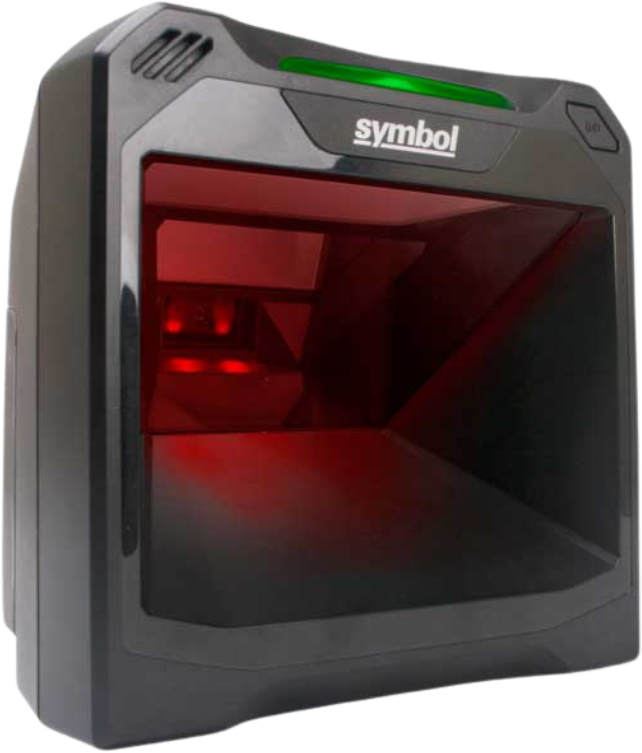
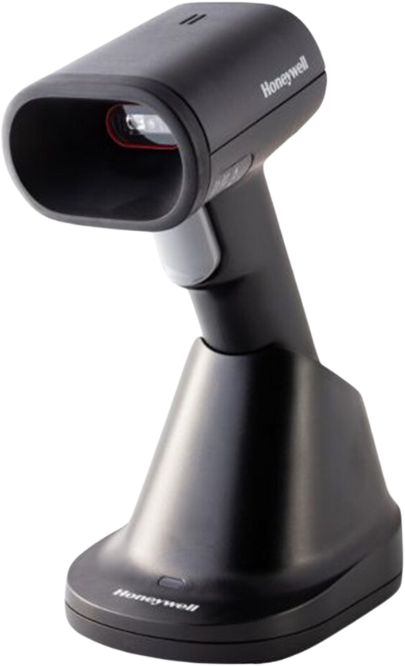
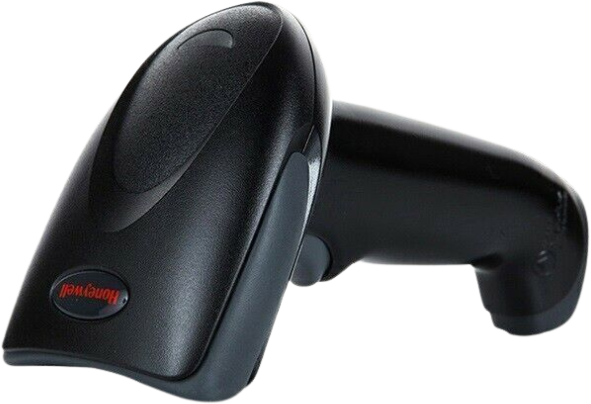
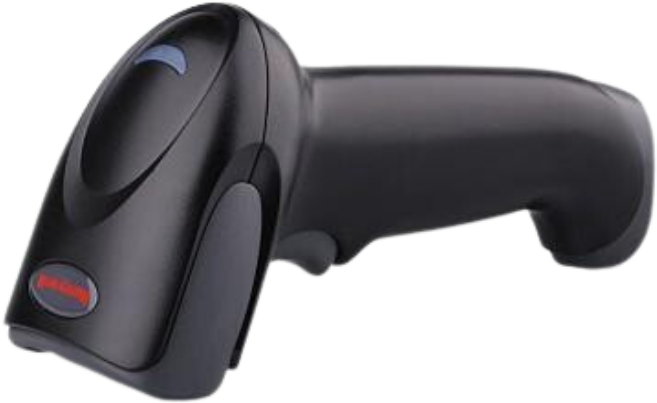
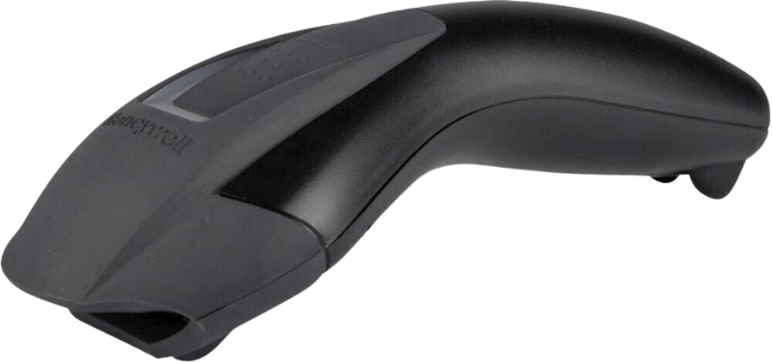
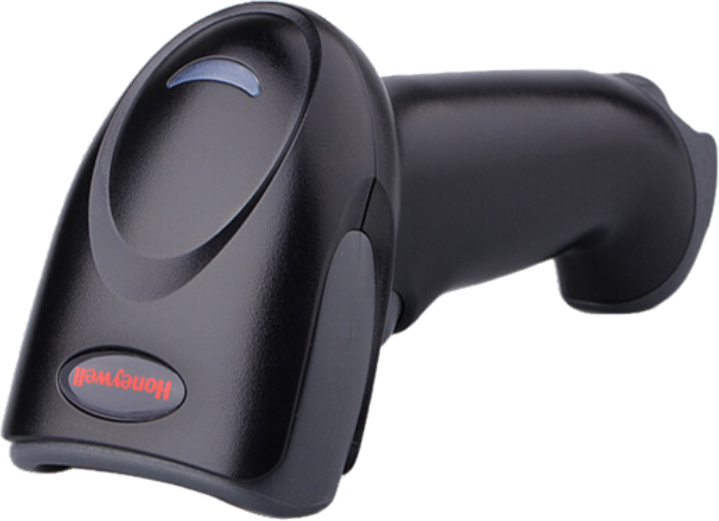
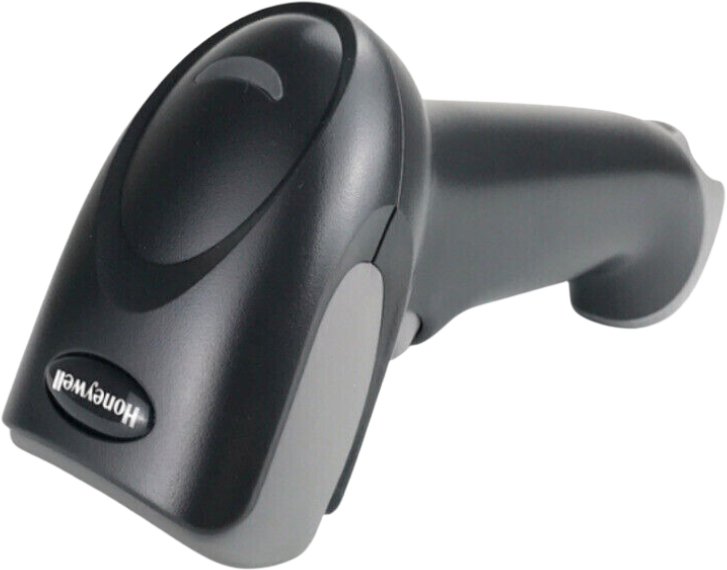
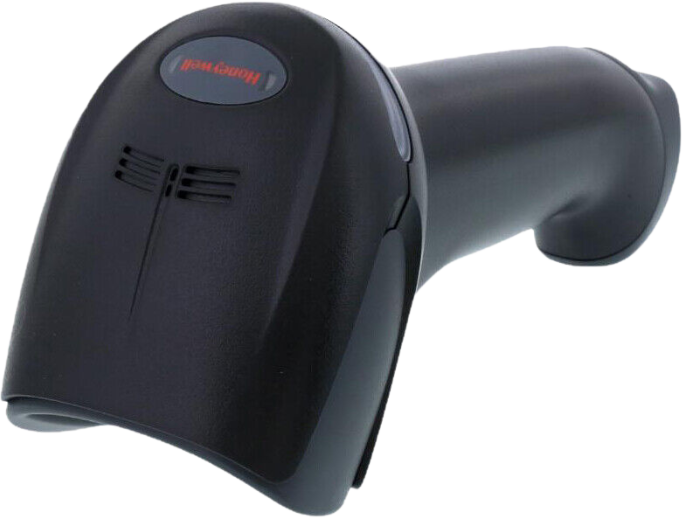
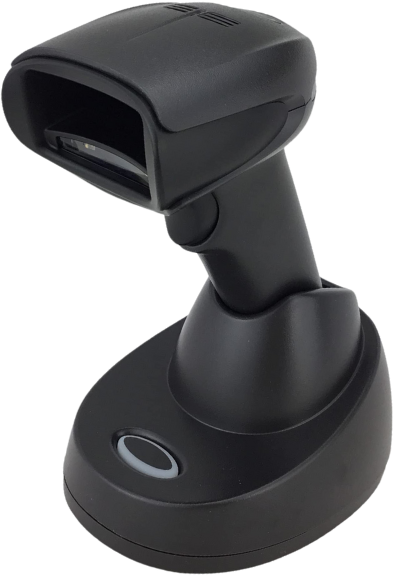
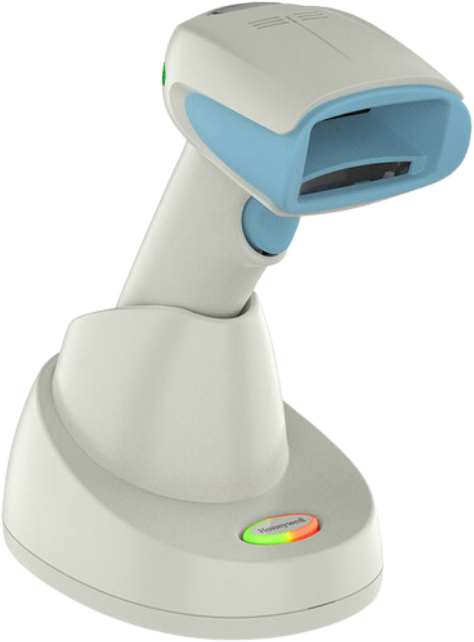
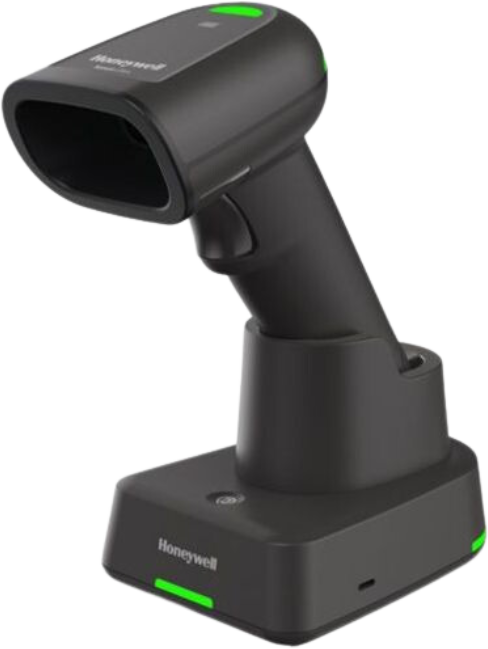
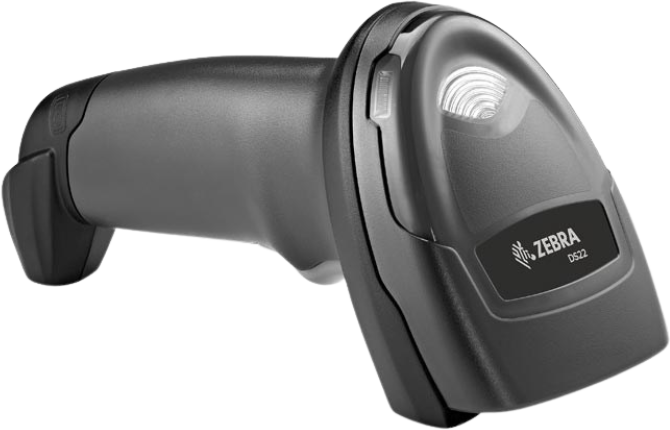
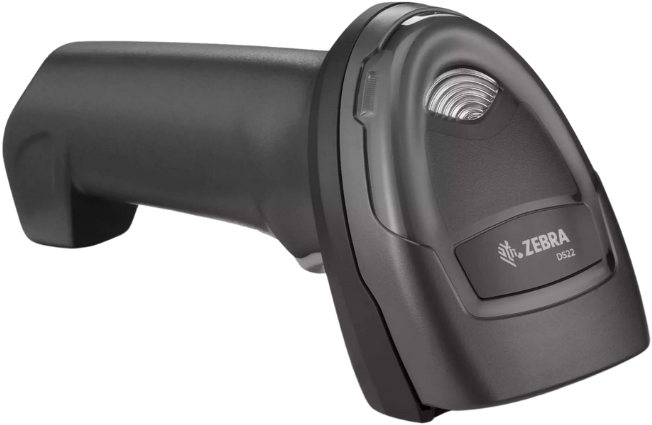
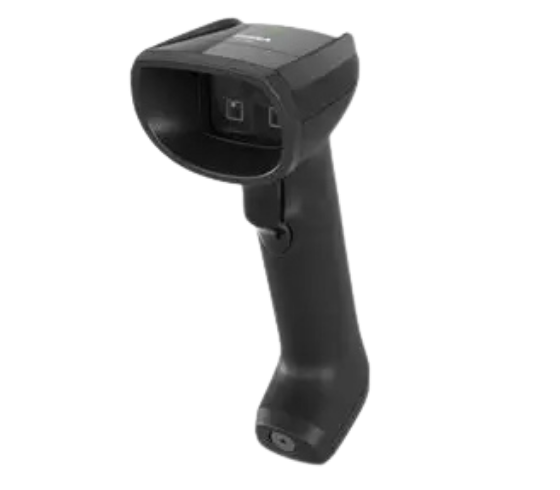
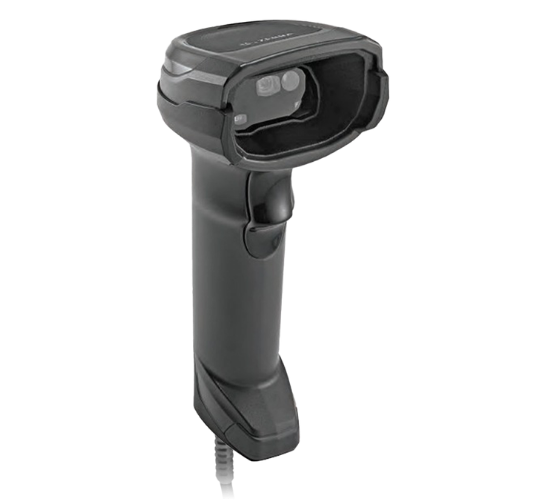
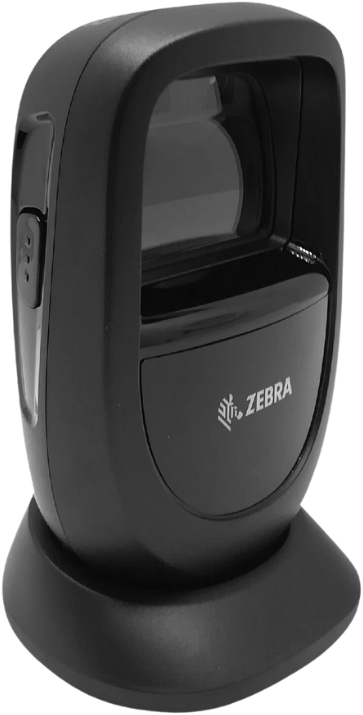
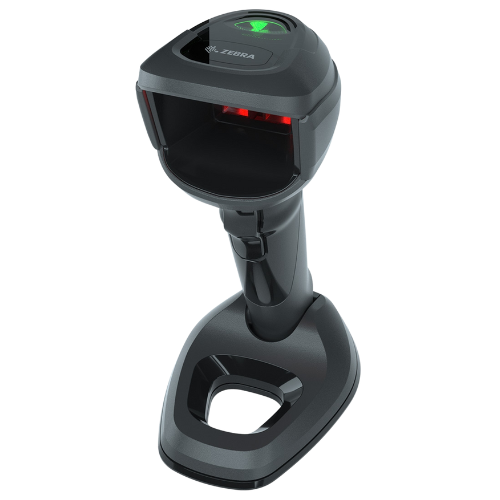
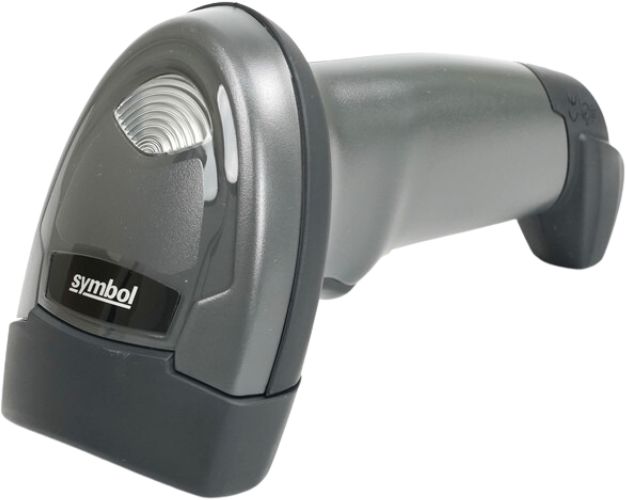
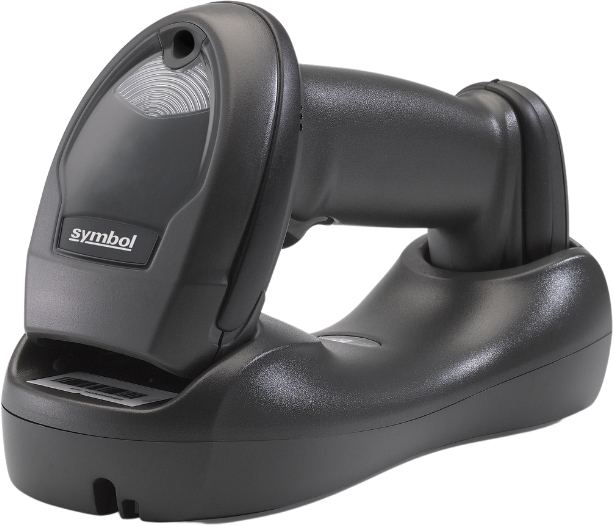
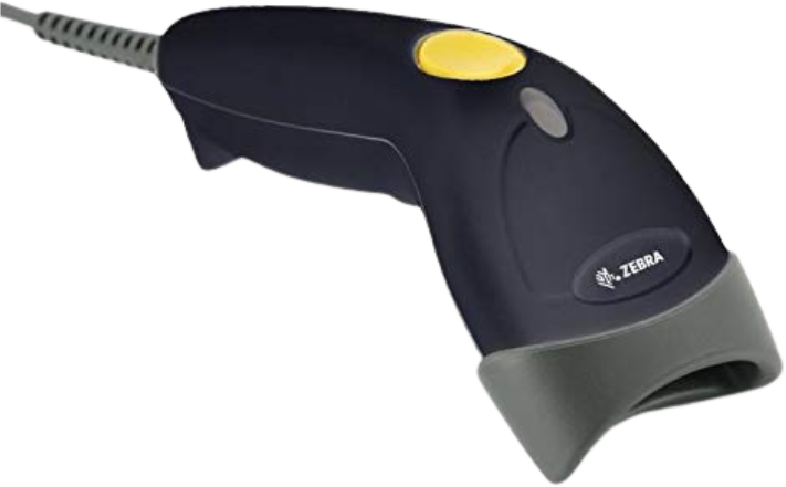
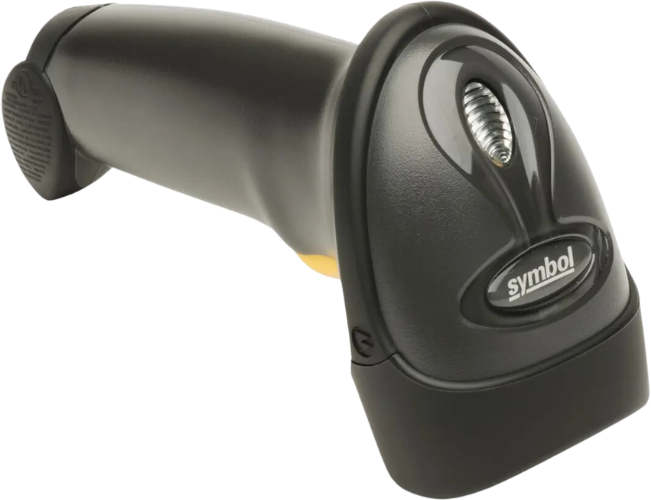
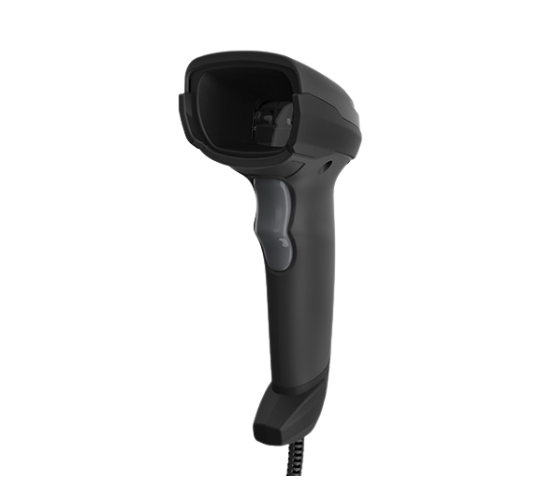
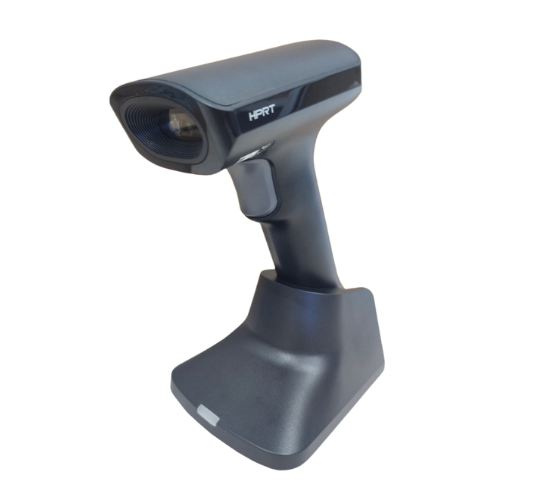
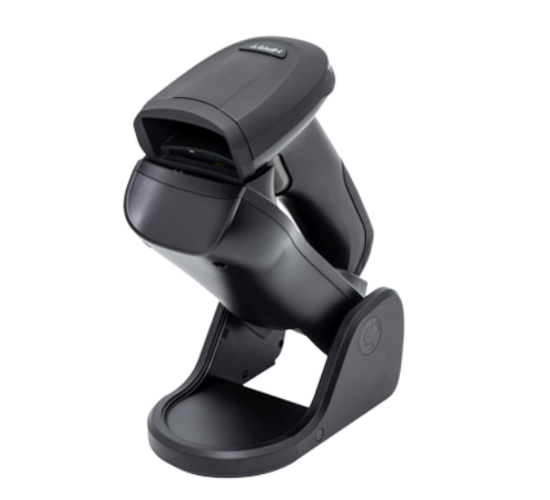
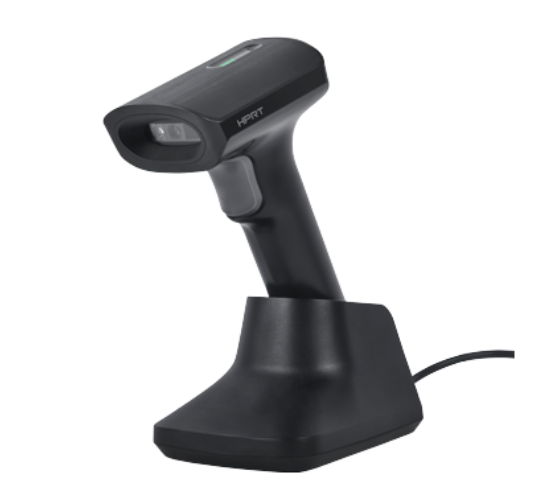
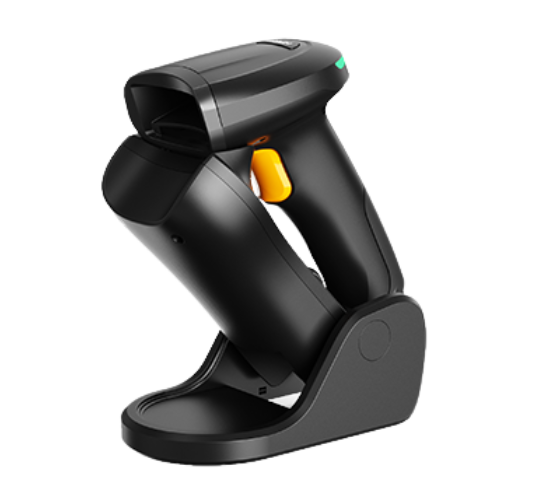
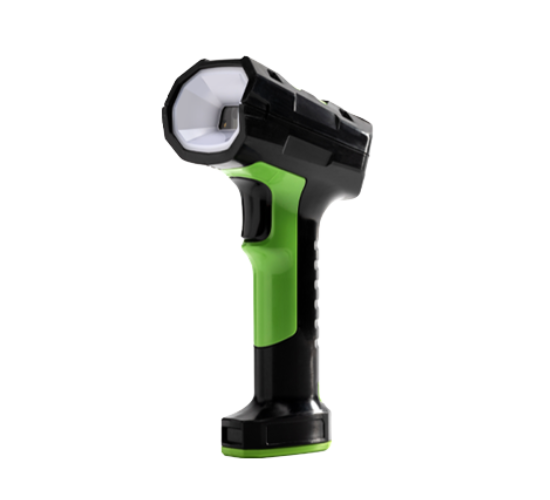
When it comes to on-counter scanning, the DS7708 offers a feature set that puts it at the top of its class for performance, ease of deployment and total cost of ownership. No matter what barcodes appear at your POS, the DS7708 can scan them all; 1D, 2D, printed and electronic.
With its compact design, the DS7708 can easily be installed in even the most space-constrained checkout lanes. And extraordinary durability minimizes costs and protects uptime, maximizing the device lifecycle and your return on investment.
Answer: Yes, Jewelry Tags are available in Zebra RFID Labels portfolio
FAQ: Can the Ribbon be rewinded and used again?
Answer: Reusing the ribbon will result in poor print quality, so it is not advised.
FAQ: What is the handheld scanner's primary connection?
Answer: The primary connections is USB. Only requirements determine connection if needed
FAQ: What is your scanners' scan engine technology?
Answer: For a better understanding of scanning, sales executives typically explain this scenario to the end user. Depending on the requirements, a variety of scan engines can be expected.
FAQ: How many hours to charge the battery of the scanner?
Answer: Standard from 3 Hours to 3.5 hours of charging time
FAQ: Do you have a battery in your scanner?
Answer: We offer a number of items that include a standard USB cable and a battery unit for a standard Bluetooth connection.End-user workloads
FAQ: Which is better a wired or wireless scanner?
Answer: Wireless barcode scanners provide workers with the freedom to scan without being restrained by cables. The flexibility of not having cables allows the scanner to move to the stock rather than have the stock move to the scanner.
FAQ: What is the difference between a 1D scanner and 2D scanner?
Answer: 1D barcode scanners cannot read 2D barcodes whereas the 2D barcode imager’s can read both 1D and 2D.
FAQ: What is the handheld scanner's primary connection?
Answer: The primary connections is USB. Only requirements determine connection if needed
FAQ: What is your scanners' scan engine technology?
Answer: For a better understanding of scanning, sales executives typically explain this scenario to the end user. Depending on the requirements, a variety of scan engines can be expected.
FAQ: Do you have a Barcode Designer for the Barcode Printer?
Answer: Yes, we provide software for Label design, Seagull Bartender, Zebra Designer and Loftware by Nice Label
FAQ: How many hours to charge the battery of the scanner?
Answer: Standard from 3 Hours to 3.5 hours of charging time
FAQ: Do you have a battery in your scanner?
Answer: We offer a number of items that include a standard USB cable and a battery unit for a standard Bluetooth connection.
FAQ: Do you have rugged/Industrial Scanners?
Answer: Yes, Rugged series of Scanners are usually for Industrial use
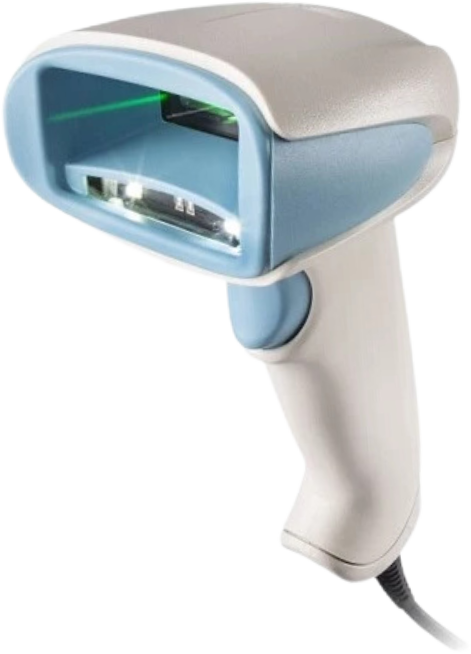
FAQ: Do you offer Handheld for Health Care?
Answer: Yes, Some of the models have HC variant
FAQ: What is the driver for Zebra Handheld Scanners?
Answer: Although manual driver installation is not necessary, the scanner's configuration may vary
FAQ: How to configure the scanner?
Answer: Our Certified Technical Specialists will help you. Zebra Scanner configuration can be used with the freeware 123Scan and Honeywell scanner for EZ configuration.
FAQ: How many hours to charge the battery of the scanner?
Answer: Standard from 3 Hours to 3.5 hours of charging time