Barcotech - Zebra Technologies Logo
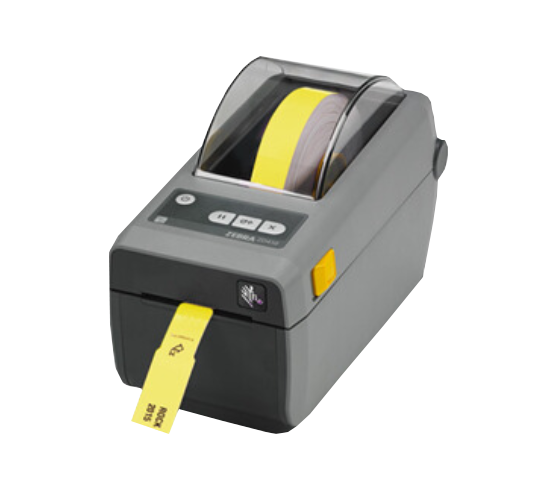
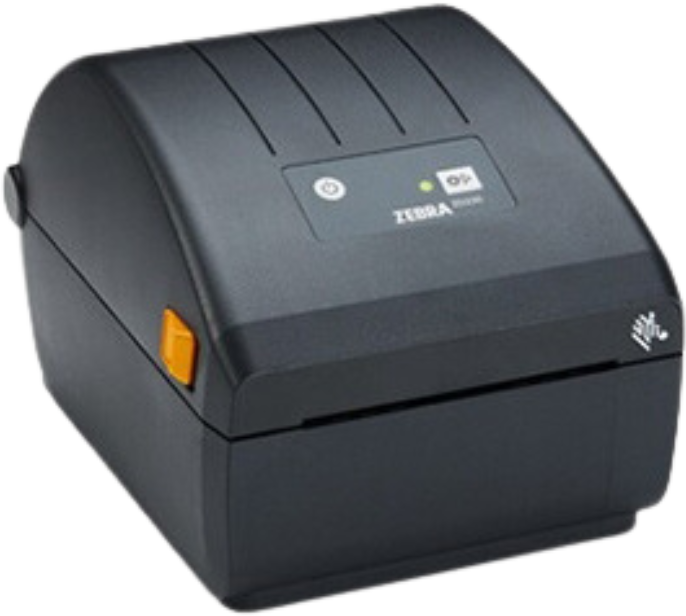
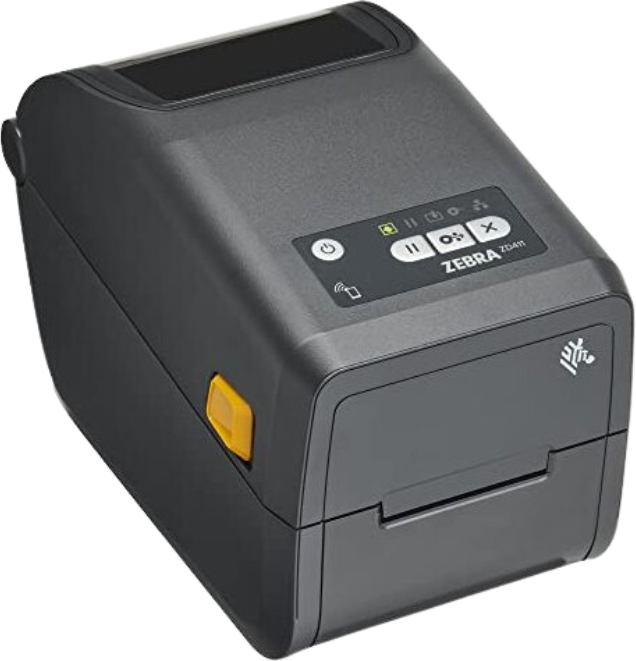
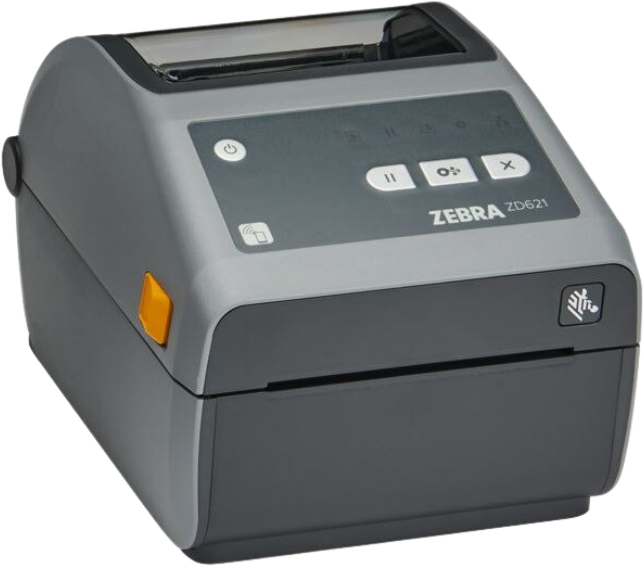
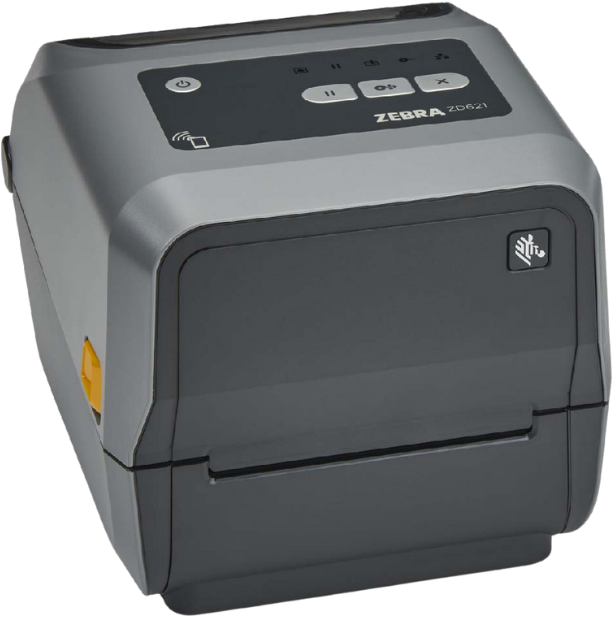
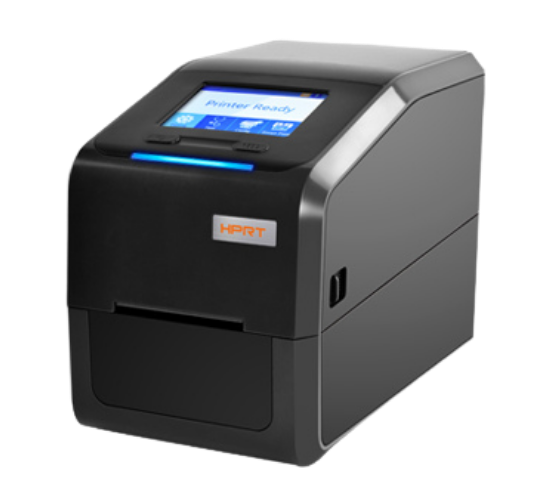
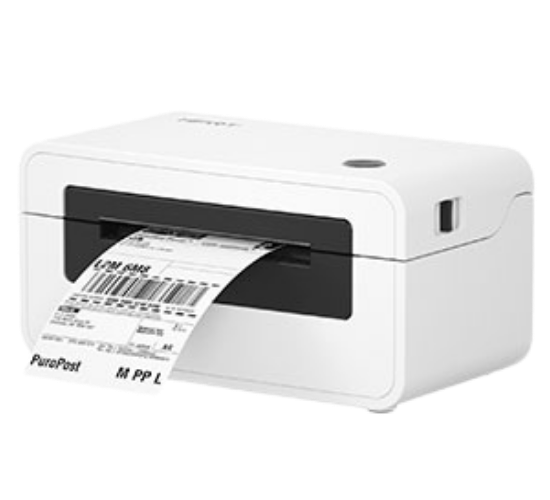
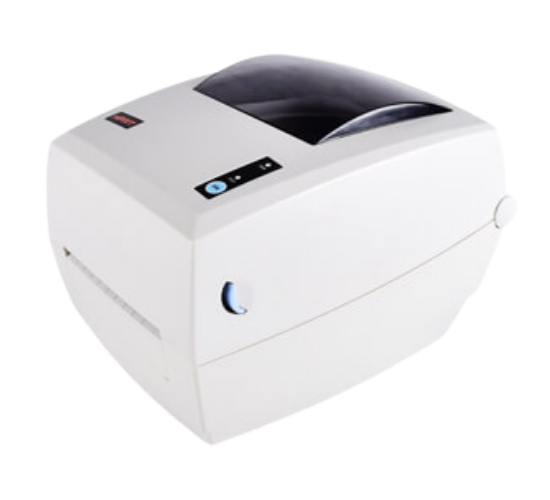
ZD411D

Desktop Printer

PRINTING METHOD: Direct Thermal

PRINT WIDTH: 2.2in (203), 2.13 (300)

PRINT SPEED: 4 to 6 inches per second

RESOLUTION: 203 and 300 dpi

COMMUNICATION:
STANDARD: USB
OPTIONAL: Field installable Ethernet 10/100, Serial RS-232 auto-sensing, wireless dual radio–802.11ac Wi-Fi and Bluetooth Classic 4.2

MEDIA HANDLING:
STANDARD: Tear Off
OPTIONAL: Dispenser/Peeler, Cutter
Get fast, dependable printing in your most space constrained areas with the ultra-compact ZD411D direct thermal printer. Designed for the smallest of work spaces, the ZD411D lets you print high-quality labels, receipts, tags and wristbands wherever you need them. The many connectivity options make deployment a breeze. And the ZD411D is easy to use, operate and troubleshoot, maximising printer uptime. The ZD411D — the little printer designed with big business functionality.


RELATED PRODUCTS

FAQ: Do I need a driver for the Barcode label installation?
Answer: Our technical experts will walk you through the Barcode Designer's installation and activation process.

FAQ: Is the barcode label waterproof?

Answer: Not all labels are resistant to being exposed to water. For this requirement, polyester works best.

FAQ: In a barcode, how many characters are stored?

Answer: As much data as you want can be inserted into a 1D barcode symbology, but keep in mind that since the barcode will extend, it is not recommended to include more data. The best symbology for any length of more than 7000 characters is a 2D barcode, similar to a QR code.

FAQ: Can I print any barcode in the barcode Printer?

Answer: Yes

FAQ: In what environment will the printer be used?

Answer: All barcode printers operate in a variety of industrial settings, including manufacturing, retail, transportation and logistics, and hospitals.

FAQ: How often will you print?

Answer: Printing demand depends on End-user workloads

FAQ: Can I use RFID Tags in Jewelry?

Answer: Yes, Jewelry Tags are available in Zebra RFID Labels portfolio

FAQ: Can I use RFID in inventory?

Answer: Yes, it is typically utilized for asset and inventory tagging.

FAQ: Are batteries used in certain barcode printers?

Answer: Installing a spare battery is an option for some barcode printers. Mobile printers, however, are specifically powered by battery modules.

FAQ: Can a barcode printer produce color output?

Answer: No, Barcode printers are typically used to print black and white labels, they can also print color labels.

FAQ: Do you have a Barcode Designer for the Barcode Printer?

Answer: Yes, we provide software for Label design, Seagull Bartender, Zebra Designer and Loftware by Nice Label

FAQ: Can the barcode Printer work 24/7?

Answer: Only industrial printers are designed to last this long.

FAQ: How many labels can a barcode printer print?

Answer: Depending on the barcode printer, up to 10 to 50 rolls may be produced each day.

FAQ: Can the Ribbon be rewinded and used again?

Answer: Reusing the ribbon will result in poor print quality, so it is not advised.

FAQ: What comes in the box for Barcode Printers?

Answer: ​User guides, a power cord or cords, and a power supply with a USB cable are all included with the barcode printer.

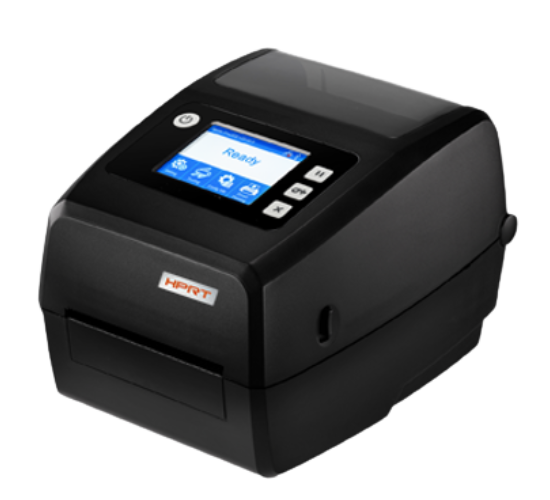
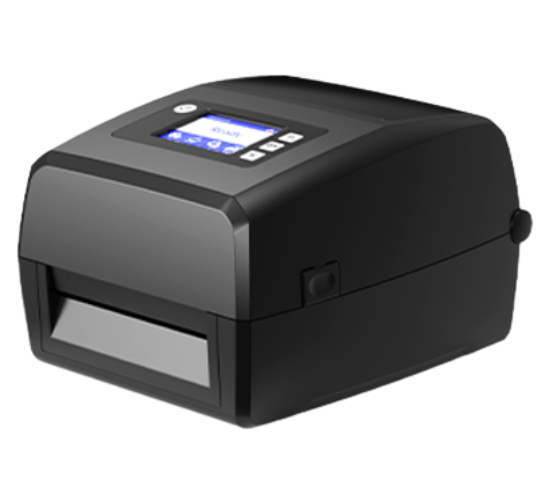
FAQ: Do you offer a barcode printer with a screen display?

Answer: ​Industrial printers are similar to desktop printers in that some models have a display screen while others do not.

FAQ: Can the Ribbon be rewinded and used again?

Answer: Reusing the ribbon will result in poor print quality, so it is not advised.

FAQ: How many labels can a barcode printer print?

Answer: Depending on the barcode printer, up to 10 to 50 rolls may be produced each day.

Want to know more about a specific product or service? We'd love to hear from you.

Great! We’ve received your information.